 Autario
All your cars. Zero missed deadlines.
Insurance, registration, MOT, service and costs in one place. Autario reminds you in time, works out what your car really costs and keeps its full history. No account, works offline.
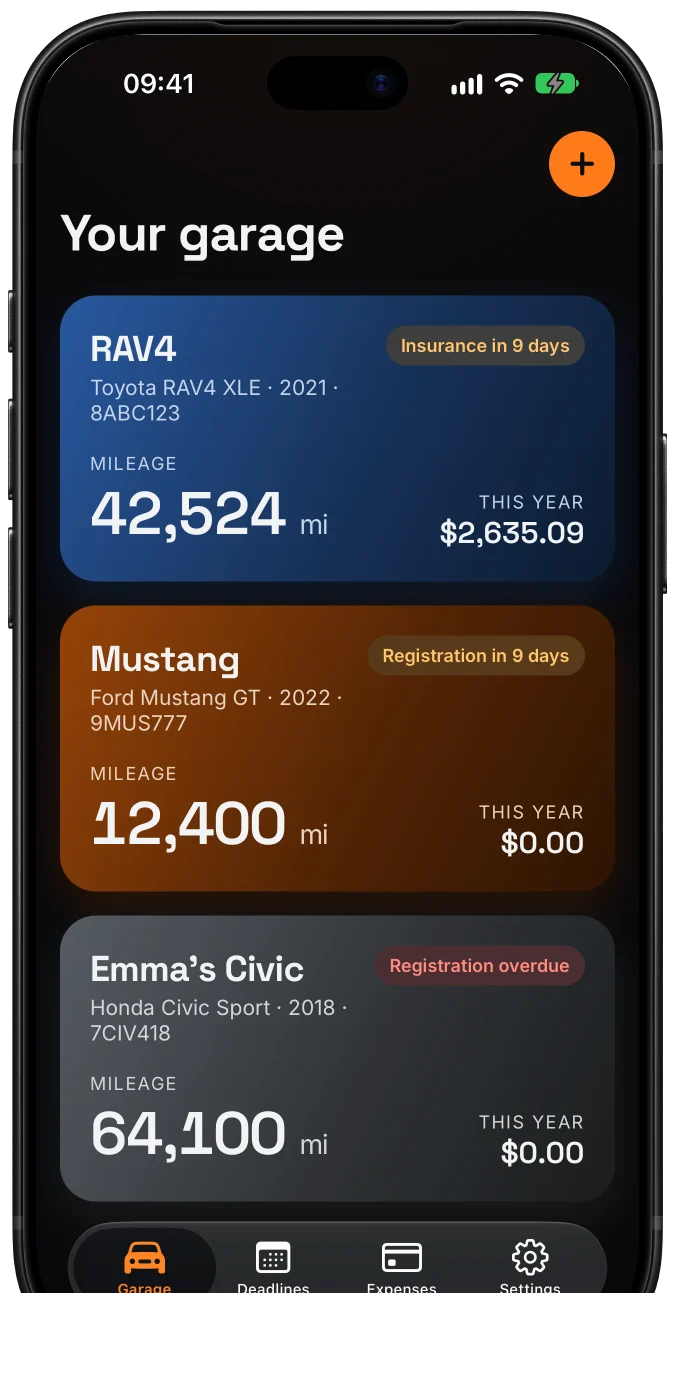
Renewals always on time.
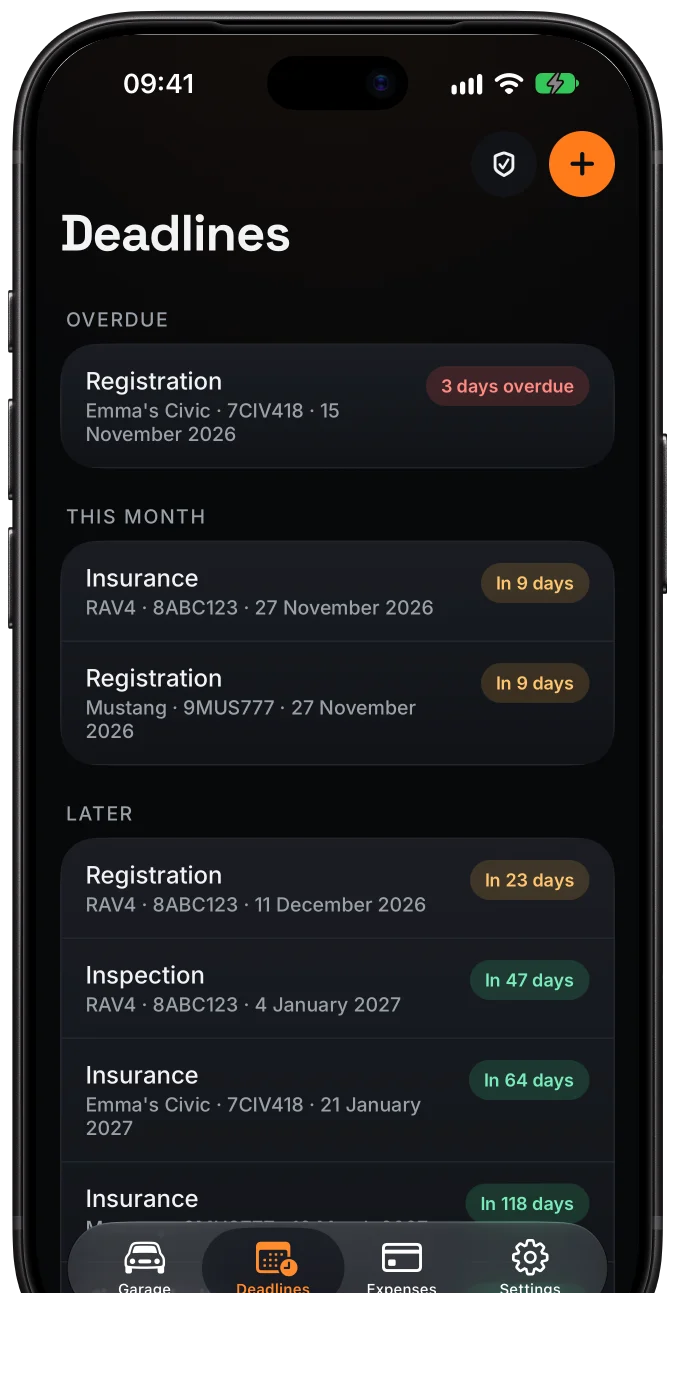
Enter a deadline once and Autario reminds you 30, 14 and 1 day before. See what is overdue, due this month and later, for all your cars at once. Mileage-based deadlines too, like a timing belt, and one tap adds any deadline to your calendar.
- Insurance
- Registration · MOT · VED
- Mileage service
- Widgets
- Calendar
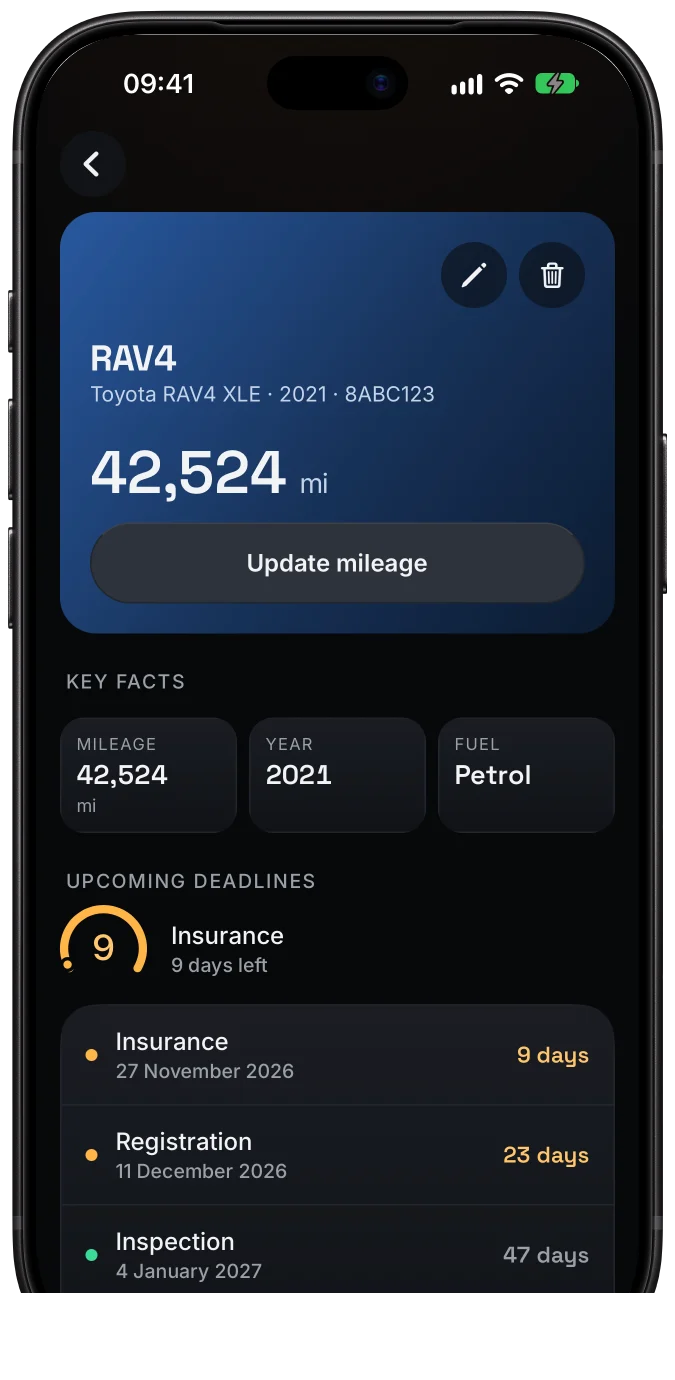
Registration document? Snap it.
Take a photo of your registration card or V5C and the make, model, VIN, year and plate fill themselves in. On iPhones with Apple Intelligence a photo of your insurance policy fills in the expiry date. Everything is read on your phone and the photo is deleted right away.
- Registration photo
- Insurance policy
- Read on your iPhone
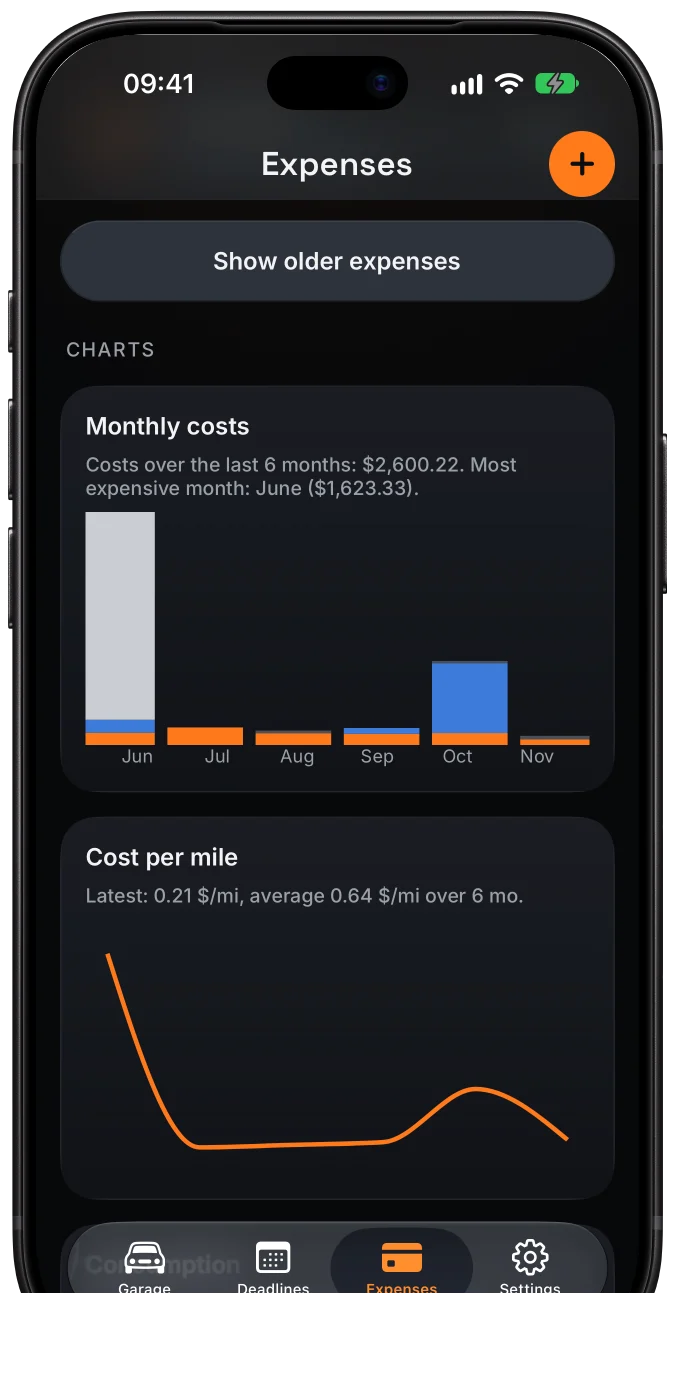
Know what your car really costs.
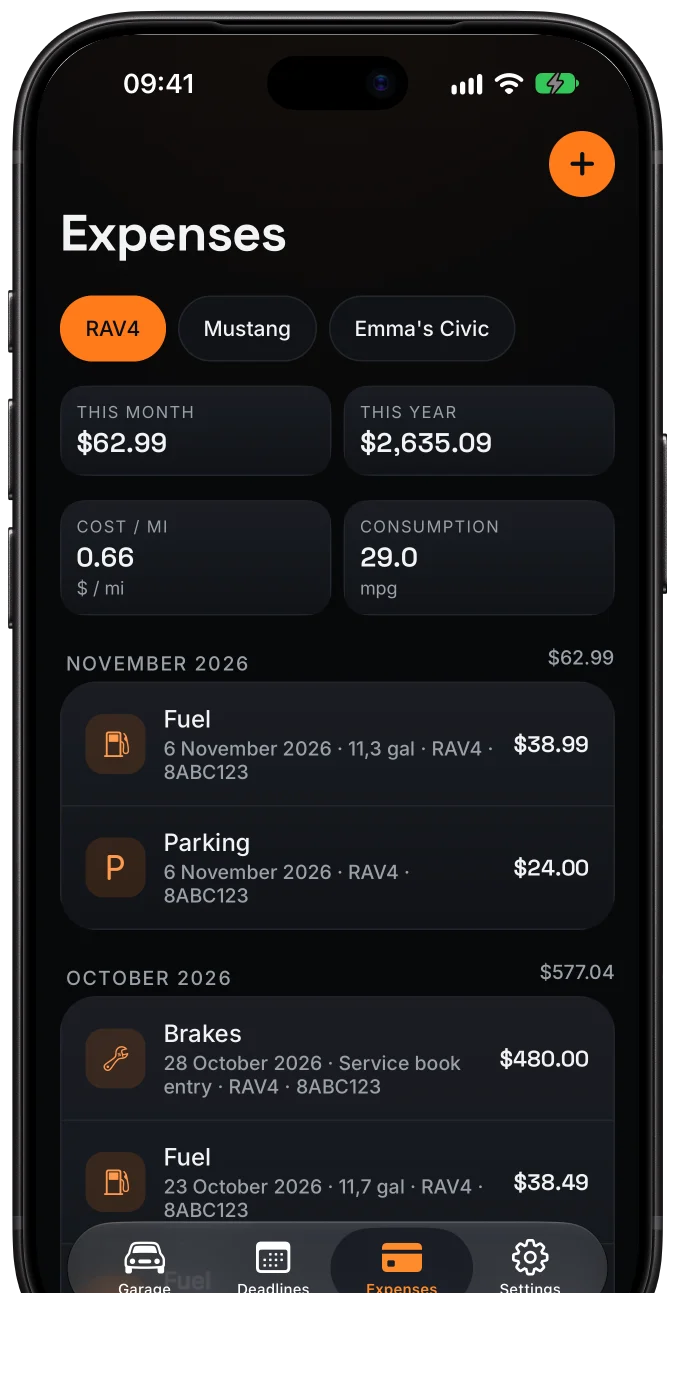
Fuel, insurance, repairs, parking and tolls in one place. Autario works out cost per mile, fuel economy and your spending month by month, in miles or kilometres, in your currency.
- Cost per mile
- mpg or l/100 km
- Charts
- Categories
A service history that sells.
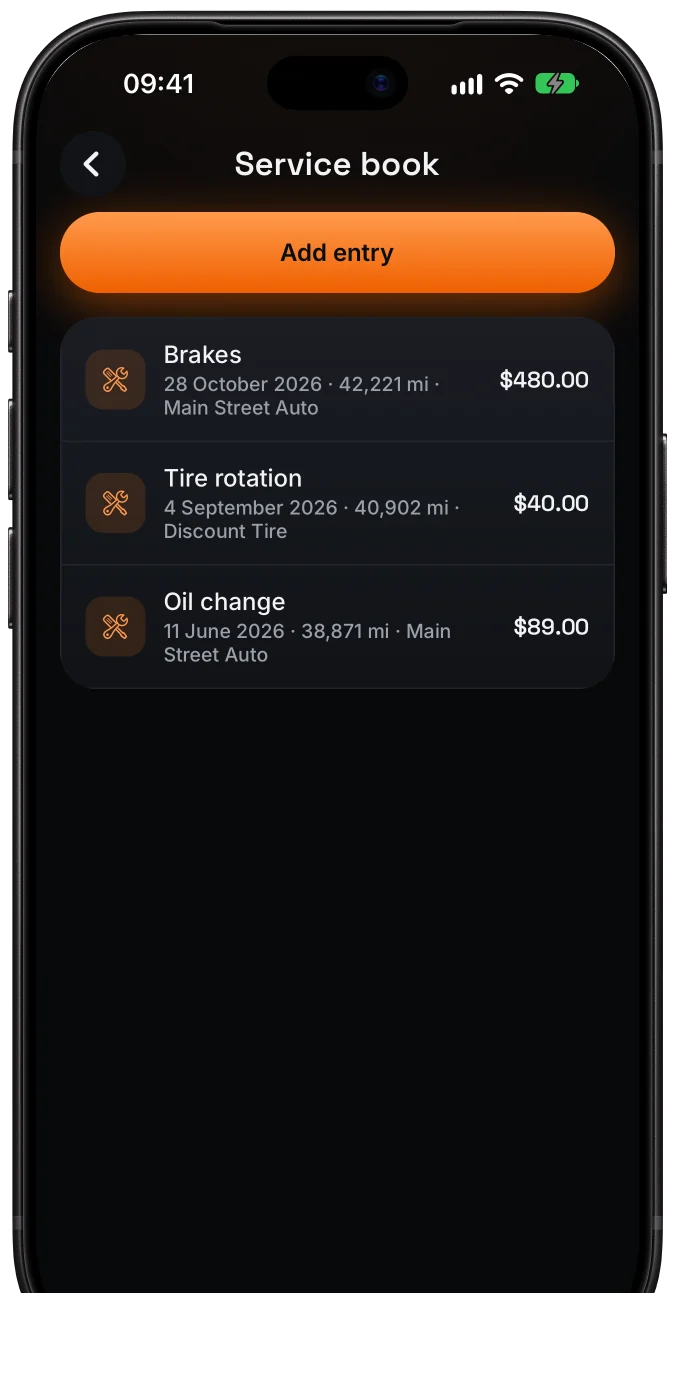
Oil changes, tyres, brakes and repairs together with photos of the invoices. When you sell, create a PDF report with the full history: the buyer sees at once that the car was looked after.
- Invoice photos
- PDF report
- CSV export
- Backup
One garage for the whole family.
Shared cars, deadlines and expenses on your family’s phones, up to 5 people. Everyone knows when the insurance runs out and who filled up last.
- Up to 5 people
- Editor and viewer roles
- Invite by link or QR
- Sign in with Apple or Google
Start for free.
Free
- 1 car
- Deadlines with reminders
- Service log and expenses
- Registration scan
- Data backup
Pro 14 days free
- Unlimited cars
- Cost and mpg charts
- Document scans
- PDF report and CSV export
- Or $3.99 a month
Family
- Everything in Pro
- Shared garage for up to 5 people
- Sync between phones
- 14 days free
US prices. Elsewhere the App Store shows the price in your currency.
Questions
Is Autario free?
Yes. For free you keep one car with deadlines, reminders, a service log and expenses. Pro (14 days free) unlocks more cars, scans, charts and the PDF report, and the Family plan adds a shared garage. Prefer to pay once? There is also Pro Lifetime.
Do I need an account?
No. Everything works without an account and offline. You only sign in (with Apple or Google) to share a garage with your family.
Where is my data stored?
On your phone. Only cars you share in a family garage are synced to a server in the European Union. Details in the privacy policy.
How does the registration scan work?
Take a photo of your registration document. Autario reads the printed fields on your iPhone and fills in the make, model, VIN, year and plate for you to check. The photo is not stored or uploaded, and we do not read the owner’s details.
Which deadlines does it know?
It adapts to your country: insurance, registration renewal and inspection in the US and Canada; MOT, VED and insurance in the UK; NCT and road tax in Ireland; plus any custom deadline by date or mileage.
How do I move my data to a new phone?
In Settings, export a backup (one file with your cars, entries and photos) and import it on the new phone. In a family garage your data syncs by itself after you sign in.